T1598Reconnaissancemedium difficulty

Phishing for Information

Phishing for Information (T1598) is reconnaissance dressed as routine email: the attacker asks for credentials, a callback, or a password reset instead of dropping malware. No payload means antivirus and sandboxing stay silent, so detection depends on email-authentication failures, URL and domain reputation, and lookalike-sender clustering inside M365 or the email gateway.

Practice detecting Phishing for Information on realistic SIEM alerts in SOCSimulator Operations.

SIEM

What is Phishing for Information?

Phishing for Information is documented as technique T1598 in MITRE ATT&CK® v19.1 under the Reconnaissance tactic. Detection requires visibility into SIEM telemetry.

T1598 covers four sub-techniques and none of them deliver a payload: spearphishing service (contacting the target through LinkedIn, Slack, or another messaging platform to build rapport before asking for information), spearphishing attachment (a document carrying a tracking pixel or web bug used to confirm the address is live and read, not to run code), spearphishing link (a URL to a cloned login page built to capture whatever the target types), and spearphishing voice (a callback-phishing lure that asks the target to dial a number and read credentials or an MFA code to a live operator). The common thread is that success is measured by information the target hands over voluntarily, not by code execution on the endpoint.

To get the message past filters, the attacker either spoofs a trusted domain (accepting SPF or DKIM failure because most mail clients still render the display name), registers a lookalike domain that passes its own authentication checks, or sends from an already-compromised legitimate mailbox, which is the hardest case because every authentication signal is genuinely valid. The link itself increasingly runs through an adversary-in-the-middle proxy kit such as Evilginx, which relays the real login flow to the victim so it captures the session cookie along with the password, defeating simple MFA in the same step.

Unlike T1566 Phishing, where the payload is the point, T1598 treats the reply, the click, or the spoken answer as the deliverable. The attacker frequently validates the harvest immediately by attempting to authenticate with the submitted credential from separate infrastructure, which is why a credential-phishing alert should always be paired with a sign-in log check for the targeted account in the minutes that follow.
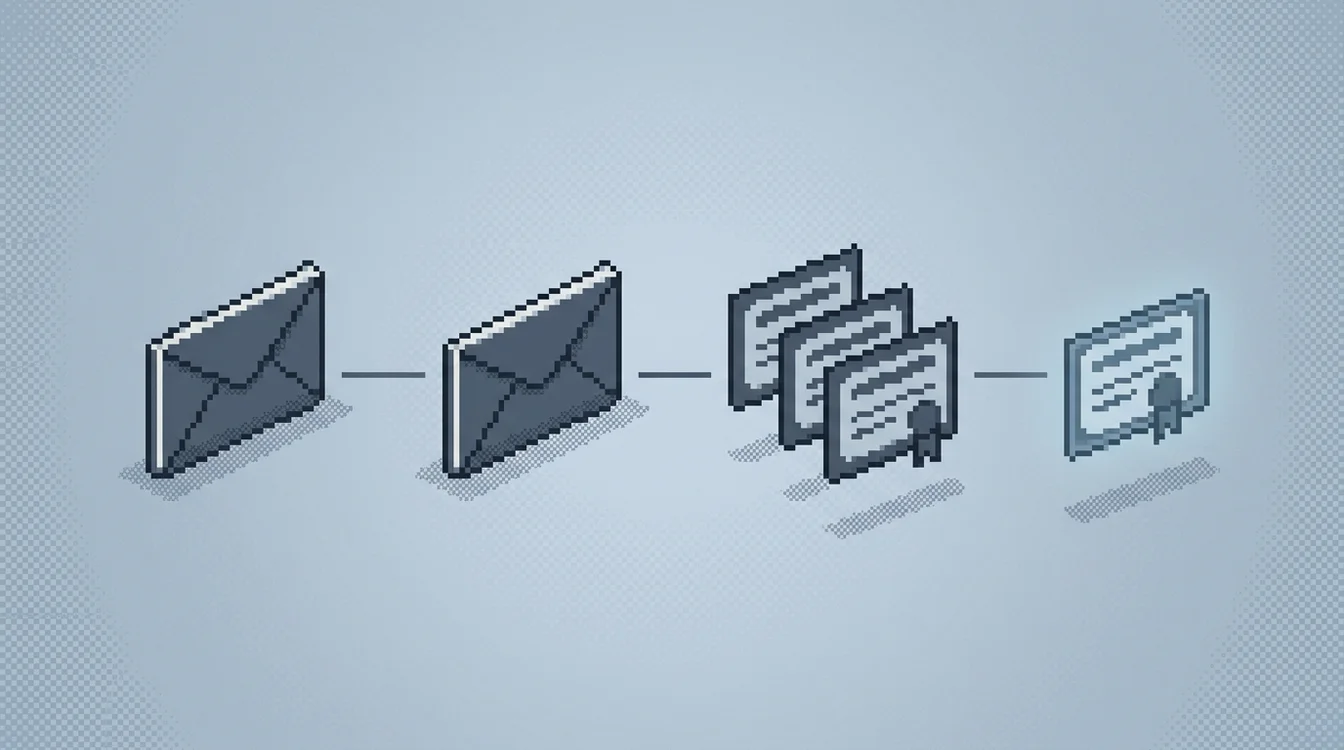

Where Phishing for Information fits in an attack

Phishing for information sits early in an intrusion, after the attacker has already used Gather Victim Identity Information (T1589) and Gather Victim Org Information (T1591) to build a target list, and before Valid Accounts (T1078) or a payload-bearing T1566 message gets sent. MITRE's own procedure examples show the range: APT28 ran spearphishing campaigns specifically to compromise credentials, Kimsuky used tailored spearphishing to gather victim information and identify further targets, and Scattered Spider combined credential phishing with social engineering to capture one-time passcodes directly from help-desk and MFA workflows.

What happens next depends on what was harvested. A working password feeds straight into Valid Accounts logins, often from new infrastructure within minutes of submission. A captured session cookie from an AiTM kit skips the password entirely and lets the attacker reuse an already-authenticated session. Scattered Spider's OTP-capture variant chains directly into live account takeover and, in several documented intrusions, follow-on help-desk social engineering to reset MFA on the same account. Because none of this requires a payload, it will not show up in an EDR alert queue; the email and identity layers are where this campaign stage is visible at all.

Detection Strategies

The following detection strategies help SOC analysts identify Phishing for Information activity. These methods apply across SIEM environments and can be implemented as detection rules, correlation queries, or behavioral analytics in your security platform.

SIEM detection

KQL
let RareDomainThreshold = 20;
let TotalSenderThreshold = 1;
let RareDomains = EmailEvents
| summarize TotalDomainMails = count() by SenderFromDomain
| where TotalDomainMails <= RareDomainThreshold
| project SenderFromDomain;
EmailEvents
| where EmailDirection == "Inbound"
| where SenderFromDomain in (RareDomains)
| where isnotempty(EmailClusterId)
| join kind=inner EmailUrlInfo on NetworkMessageId
| summarize Subjects = make_set(Subject), Senders = make_set(SenderFromAddress) by EmailClusterId
| extend TotalSenders = array_length(Senders)
| where TotalSenders >= TotalSenderThreshold

Groups inbound mail by Microsoft's EmailClusterId content-similarity heuristic, restricted to low-volume sending domains, then flags clusters delivered from more than one sender address. Mirrors the community 'Potential Phishing Campaign' Sentinel and Advanced Hunting query, catching attackers who reuse one credential-harvesting lure while rotating throwaway mailboxes.

KQL
let suspiciousdomains =
SecurityAlert
| where AlertName startswith "Communication with possible phishing domain"
| mv-expand todynamic(Entities)
| extend DomainName = tostring(Entities.DomainName)
| where isnotempty(DomainName)
| distinct DomainName;
EmailEvents
| where EmailDirection == "Inbound"
| project TimeGenerated, SenderMailFromAddress, RecipientEmailAddress, EmailDirection, NetworkMessageId
| join kind=inner (EmailUrlInfo) on NetworkMessageId
| project TimeGenerated, SenderMailFromAddress, RecipientEmailAddress, EmailDirection, Url, UrlDomain
| where UrlDomain in~ (suspiciousdomains)

Joins Microsoft Defender's SecurityAlert feed of already-confirmed phishing-domain communications against every inbound email's embedded URLs, surfacing the exact message and recipient that delivered a credential-harvesting link before anyone clicked. Mirrors the community 'Find Emails with Potential Phishing URL' Sentinel query.

Simulated example generated by SOCSimulator Research
TimeGenerated: 2026-07-15 09:12:04
NetworkMessageId: 3f2a9d61-88e0-4c77-9a2b-1e6d4b7c0a3d
SenderFromAddress: billing-support@corp-invoices-secure.com
SenderFromDomain: corp-invoices-secure.com
RecipientEmailAddress: ap-team@client.corp.local
Subject: Your Okta password expires in 24 hours: verify now
EmailDirection: Inbound
DeliveryAction: Delivered
UrlDomain: sso-corp-login-verify.net
EmailClusterId: 8a1c4e02-cluster-phish-19

Tuning and false positives

Legitimate password-expiry reminders, real vendor onboarding emails from a newly contracted supplier, and marketing platforms that rotate sending domains and IP pools all trip the same heuristics as credential-phishing lures: a rare sending domain, a link, and urgent-sounding subject lines. Transactional email providers (payment processors, HR platforms, ticketing systems) frequently send from freshly provisioned subdomains that look identical to a lookalike domain on paper.

The fix is correlation, not any single heuristic in isolation. Maintain an allow-list of verified SaaS and vendor sending domains, weight a DKIM or SPF pass heavily against alerting, and require at least two independent signals, such as a rare domain plus a cluster shared across multiple unrelated senders, or a flagged-domain URL plus urgent password-reset language, before treating a message as credential phishing rather than legitimate transactional mail. A single rare-domain alert with no cluster and no flagged URL is not worth an analyst's time.

Example Alerts

These realistic alert examples show what Phishing for Information looks like in your security tools. Use them to tune detection rules and train analysts to recognize true positives versus false positives in live environments.

HighSIEM

Phishing Cluster Reusing Template Across New Senders

Microsoft Defender for Office 365 grouped 14 inbound messages under the same EmailClusterId, sent from six different, low-volume external domains registered in the past 30 days, each containing a 'password expiring' link pointing at a lookalike Okta login page.

CriticalSIEM

Inbound Email Linked to Flagged Phishing Domain

A message to ap-team@client.corp.local was delivered from external sender billing-support@corp-invoices-secure.com; the embedded URL resolved to sso-corp-login-verify.net, a domain a prior Defender for Cloud Apps alert had already flagged as 'Communication with possible phishing domain'.

MediumSIEM

Bulk Inbound Mail Burst from Unrecognized Domain

sender@vendor-updates-portal.net delivered to 640 unique recipients within a 10-minute window from a domain with zero prior mail history and no entry in the approved-bulk-sender list, consistent with a mass credential-harvesting blast rather than a newsletter send.

Responding to Phishing for Information

When this fires, first establish whether anyone actually interacted with the message: did a recipient click the link, submit credentials, or call back a number in the email. Next check authentication: is SPF, DKIM, or DMARC failing while the sender spoofs an internal or vendor domain, and does the embedded URL resolve to a domain already flagged by a security-alert feed. Those two answers determine whether this is a contained near-miss or an active credential-theft event.

If credentials were submitted, force an immediate password reset and revoke active sessions for every targeted account, since AiTM kits capture the session token and a password change alone will not evict them. Pull sign-in logs for the affected accounts for new countries, ASNs, or device fingerprints appearing right after the click. Block the sending domain and the flagged URL at the gateway, and use the EmailClusterId or subject-line match to purge remaining copies of the same lure tenant-wide before more recipients open it.

Frequently Asked Questions

How do SOC analysts detect Phishing for Information?
Detection centers on SIEM telemetry for the reconnaissance phase of the attack. Flag inbound mail that fails SPF, DKIM, or DMARC while spoofing an internal domain or a known vendor, since T1598 relies on the recipient trusting the sender identity rather than on a malicious attachment doing the work. Correlate EmailUrlInfo click-throughs against Microsoft Defender's 'Communication with possible phishing domain' security alerts (the SecurityAlert table) to catch credential-harvesting links that only reveal themselves after DNS resolution.
What does a Phishing for Information alert look like?
A representative SIEM detection is "Phishing Cluster Reusing Template Across New Senders" (high severity): Microsoft Defender for Office 365 grouped 14 inbound messages under the same EmailClusterId, sent from six different, low-volume external domains registered in the past 30 days, each containing a 'password expiring' link pointing at a lookalike Okta login page.
Which tools detect Phishing for Information, and how can I practice?
Phishing for Information (T1598) is best surfaced with SIEM telemetry, which exposes the reconnaissance signals described above. Practice detecting it on those exact consoles in SOCSimulator Operations, free.
Glossary

What is Attack Surface? SOC Glossary

An organization's attack surface is the total set of points where an adversary could attempt unauthorized access: networ…

Read more
Glossary

What is Threat Intelligence? SOC Glossary

Threat intelligence is analyzed, contextualized information about current and emerging cyber threats, including threat a…

Read more
Glossary

What is IDS? SOC Glossary

An Intrusion Detection System (IDS) monitors network traffic or host activity for signs of malicious behavior, policy vi…

Read more
Glossary

What is IPS? SOC Glossary

An Intrusion Prevention System (IPS) is an active network security control deployed inline that inspects traffic in real…

Read more
Career Path

SOC Analyst (Tier 1) Career Guide: Salary & Skills

Tier 1 SOC Analysts are the front line. You monitor alert queues, triage incoming detections, classify them as true or f…

Read more
Career Path

Security Engineer Career Guide: Salary & Skills

Security Engineers build and maintain the infrastructure that SOC analysts depend on. You deploy SIEMs, configure firewa…

Read more
Tool

SIEM Training Console: SOCSimulator

The SIEM console in SOCSimulator replicates the workflow of enterprise platforms like Splunk Enterprise Security, Micros…

Read more
Comparison

SOCSimulator Vs. Letsdefend: Platform Comparison

SOCSimulator wins on operational realism. You get multi-tool shift simulation with SLA pressure, noise injection, and al…

Read more
Playbook

Phishing Email Investigation: Investigation Playbook

When a phishing email is reported or detected, investigate by analyzing email headers for spoofing indicators, inspectin…

Read more
Glossary

SOC Glossary: Security Operations Terminology

Complete glossary of Security Operations Center terminology for aspiring SOC analysts.

Read more
Feature

Shift Mode: Real-Time SOC Simulation

Practice alert triage under realistic time pressure with SLA timers and noise injection.

Read more
Feature

Operations: Guided Training Operations

Structured CTF-style investigation operations covering real-world attack scenarios.

Read more