T1539Credential Accessmedium difficulty

Steal Web Session Cookie

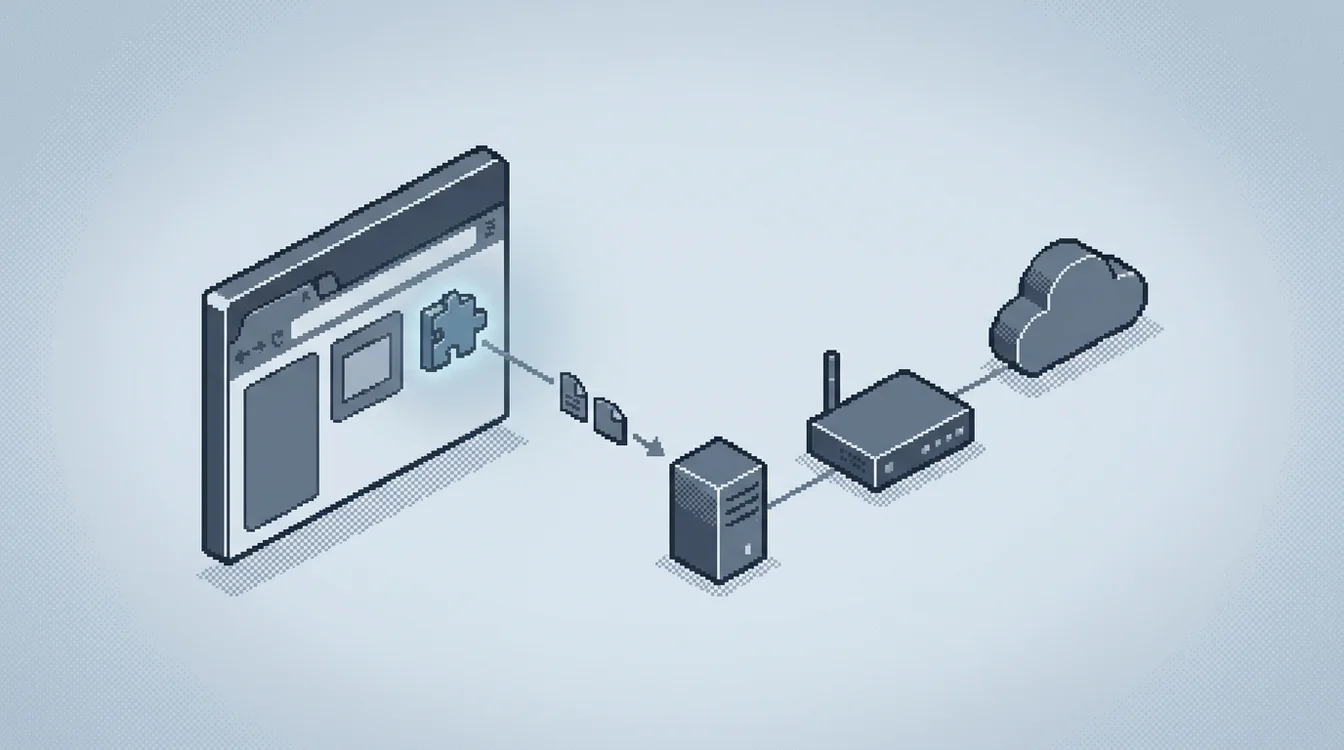
Steal Web Session Cookie (T1539) is credential access without credentials: an infostealer, a malicious browser extension, or a debugger-port script reads a browser's cookie database or live memory and lifts an already-authenticated session token. Replaying it walks straight past the login page and MFA. Detection hinges on catching non-browser processes touching the cookie store and flagging token reuse in identity logs.

Practice detecting Steal Web Session Cookie on realistic SIEM, XDR alerts in SOCSimulator Operations.

SIEMXDR

What is Steal Web Session Cookie?

Steal Web Session Cookie is documented as technique T1539 in MITRE ATT&CK® v19.1 under the Credential Access tactic. Detection requires visibility into SIEM, XDR telemetry.

Cookies are just files. Chrome and Edge keep them in a SQLite database under User Data\Default\Network\Cookies (older builds used \Default\Cookies), encrypted with DPAPI on Windows and the OS keychain on macOS; Firefox stores them in cookies.sqlite inside each profile folder. An attacker with local code execution can copy that file directly and run a scripted SQLite query against it, or drive the browser's own decryption: infostealers like RedLine and Lumma bundle a SQLite reader plus the DPAPI unwrap calls needed to turn the encrypted blob into a usable cookie, while a malicious extension holding cookies and host permissions can read live cookie objects through chrome.cookies.getAll without touching disk at all.

A second mechanic skips the database entirely and pulls cookies out of a running browser process. Chromium exposes a remote-debugging interface over the DevTools protocol when launched with --remote-debugging-port; tools built on that interface, including forks of evilginx2 and dedicated cookie-grabber scripts, attach to the port, call Network.getAllCookies, and receive every session cookie already decrypted by the browser itself. This is the exact mechanism Elastic's detection rule and the SpecterOps and embracethered.com research it cites both target.

However the attacker gets the cookie, the payoff is the same: replay it. The stolen value is loaded into a fresh browser profile, a proxy tool, or attached directly to HTTP requests against the target service, and the session continues wherever the legitimate user left off. No username, password, or MFA prompt is needed, because the identity provider already trusts the token that comes with the request.

Where Steal Web Session Cookie fits in an attack

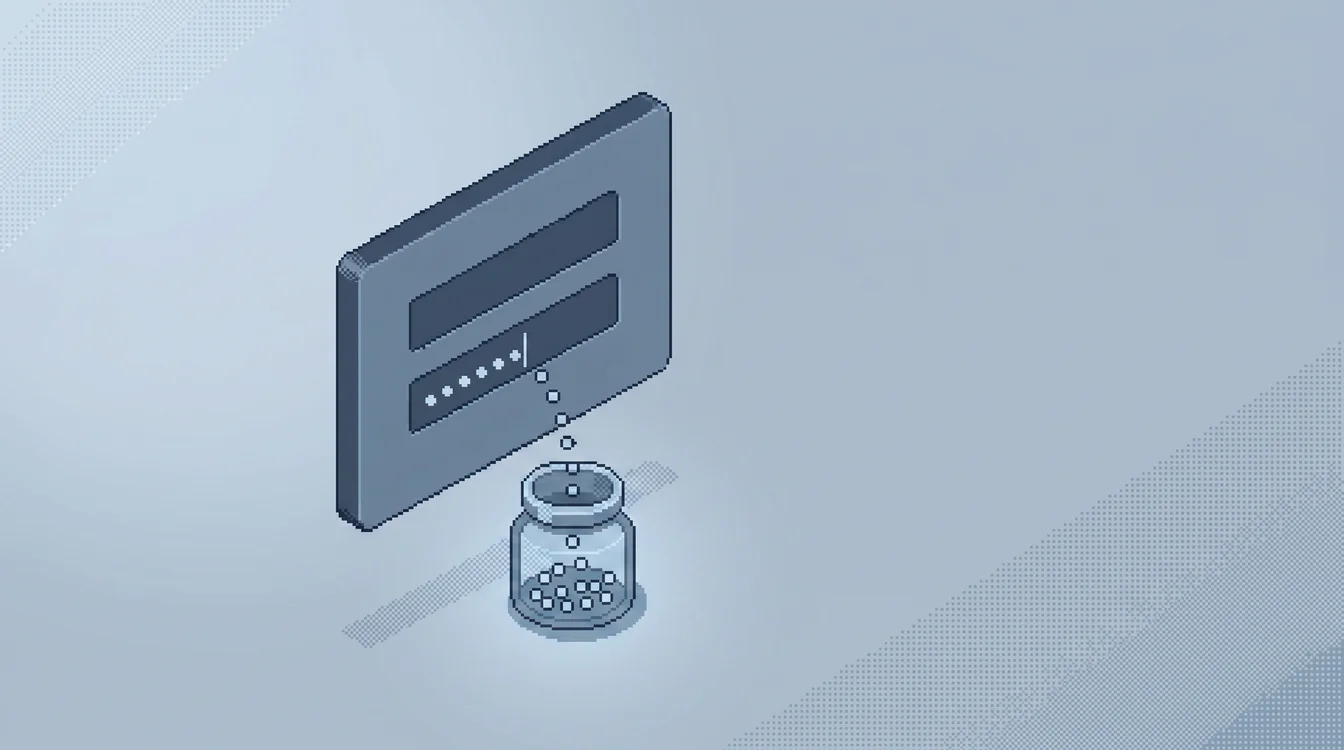
Cookie theft rarely opens an intrusion; it usually follows a phishing lure or a commodity malware drop. QakBot and XLoader both harvest browser cookies as one line item in a broader credential-theft routine that also grabs saved passwords and autofill data, and CookieMiner specifically targets Chrome and Safari cookies to bypass two-factor authentication on cryptocurrency exchanges. APT42 has used custom malware built specifically to pull login and cookie data from a victim's browsers as part of longer surveillance operations.

Once the cookie is stolen, it flows into T1550.004 (Use Alternate Authentication Material: Web Session Cookie): the attacker loads it into their own browser and is inside the application as the victim, no separate authentication step required. From there the pattern looks like any other account takeover, a hijacked mail session used for business email compromise, an unauthorized OAuth grant, or lateral movement into a SaaS admin console that trusts the same session. Because the token is already authenticated, this stage often skips every control built around the login event itself.

Detection Strategies

The following detection strategies help SOC analysts identify Steal Web Session Cookie activity. These methods apply across SIEM, XDR environments and can be implemented as detection rules, correlation queries, or behavioral analytics in your security platform.

KQL
let anomalousTokenAlerts =
    SecurityAlert
    | where TimeGenerated > ago(1d)
    | where AlertName == "Anomalous Token"
    | mv-expand todynamic(Entities)
    | extend SessionId = tostring(Entities.SessionId)
    | distinct SessionId;
AADUserRiskEvents
| where TimeGenerated > ago(7d)
| where RequestId in (anomalousTokenAlerts)
| project TimeGenerated, UserPrincipalName, RiskEventType, RiskLevel, IpAddress, Location

Correlates Sentinel's 'Anomalous Token' SecurityAlert with the underlying AADUserRiskEvents by session ID, surfacing the IP, ASN, and location behind a replayed token. Adapted from reprise99's public Sentinel-Queries repository.

Simulated example generated by SOCSimulator Research
TimeGenerated: 2026-07-16 03:15:47
AlertName: Anomalous Token
UserPrincipalName: r.patel@corp.example
RiskEventType: unfamiliarFeatures
RiskLevel: high
IpAddress: 203.0.113.47
Location: Unknown (hosting provider ASN)
SessionId: 8f3e2a91-4c1b-4e77-9a2f-1e6d9b5cc74d
PreviousSignIn: 2026-07-16 03:06:12 from 198.51.100.9 (home ISP)

Tuning and false positives

Legitimate software touches cookie stores constantly. Browser sync and profile-migration tools, enterprise backup agents, and DLP or forensic suites that inspect browser artifacts for compliance all open the same Cookies and cookies.sqlite files a stealer would target. Password managers and some VPN clients also read cookie data to support session-aware autofill, and endpoint-management agents that inventory installed browser extensions can trip a broad 'non-browser process touched Cookies' rule on their own.

The fix is the same allow-list discipline every credential-store rule needs: baseline the specific processes and service accounts your backup, DLP, and endpoint-management stack actually use, and scope the alert to anything outside that set. For the remote-debugging-port rule, treat headless-browser QA automation as an expected exception by allow-listing the CI or build-agent accounts and hosts that run it, since a real attacker rarely launches the debugging port from a build server's service account in the middle of a business day.

Example Alerts

These realistic alert examples show what Steal Web Session Cookie looks like in your security tools. Use them to tune detection rules and train analysts to recognize true positives versus false positives in live environments.

HighXDR

Non-Browser Process Read Chrome Cookies Database

On WS-MKT-22.corp.local, powershell.exe read C:\Users\jsmith\AppData\Local\Google\Chrome\User Data\Default\Network\Cookies while no chrome.exe process was running, then wrote a copy to %TEMP%\cookies_out.db. No sanctioned backup or sync agent runs on this host, so this reads as a stealer harvesting session tokens.

HighXDR

Chrome Launched with Remote Debugging Port

chrome.exe started with --remote-debugging-port=9222 --user-data-dir=C:\Users\jsmith\AppData\Local\Temp\chrome_dbg, spawned by wscript.exe. That flag pair gives a DevTools-protocol client programmatic read access to every live session cookie without ever touching the on-disk database.

CriticalSIEM

Anomalous Token Alert from Unfamiliar ASN

Entra ID raised an Anomalous Token risk event for r.patel@corp.example. The correlated sign-in replayed an existing session ID from 203.0.113.47, a hosting-provider IP the account had never used, nine minutes after the user's last legitimate sign-in from their home ISP.

Responding to Steal Web Session Cookie

When a cookie-access or debugging-port alert fires, first confirm whether the process and account match a known backup, sync, or test-automation workflow; if they do not, check whether the browser was actively logged into anything sensitive, an SSO portal, admin console, or webmail, at the time of access. Then check the account's recent sign-in history for a token replay: a new session from an unfamiliar IP, ASN, or device fingerprint immediately after the cookie access is the confirming signal, exactly what the Anomalous Token correlation is built to surface.

If theft is confirmed, revoke the session at the identity provider so the token is invalidated and the user is forced to re-authenticate, reset the affected account's password, and re-enroll MFA if the method itself may have been captured alongside the cookie. Because a replayed cookie bypasses login controls entirely, treat every application the compromised session reached, not just the identity provider, as potentially touched, and pull application-level audit logs for actions taken during the session window before closing the incident.

Frequently Asked Questions

How do SOC analysts detect Steal Web Session Cookie?
Detection centers on SIEM, XDR telemetry for the credential access phase of the attack. Alert when a non-browser process opens Chrome's Default\Network\Cookies or Login Data file, or a Firefox cookies.sqlite / logins.json inside a profile folder, since only the browser itself and sanctioned sync or backup agents should ever touch those paths. Watch for Chromium browsers launched with --remote-debugging-port or --remote-debugging-pipe alongside --user-data-dir, the flag combination cookie-extraction tools use to pull live session cookies straight out of a running browser over the DevTools protocol.
What does a Steal Web Session Cookie alert look like?
A representative XDR detection is "Non-Browser Process Read Chrome Cookies Database" (high severity): On WS-MKT-22.corp.local, powershell.exe read C:\Users\jsmith\AppData\Local\Google\Chrome\User Data\Default\Network\Cookies while no chrome.exe process was running, then wrote a copy to %TEMP%\cookies_out.db. No sanctioned backup or sync agent runs on this host, so this reads as a stealer harvesting session tokens.
Which tools detect Steal Web Session Cookie, and how can I practice?
Steal Web Session Cookie (T1539) is best surfaced with SIEM, XDR telemetry, which exposes the credential access signals described above. Practice detecting it on those exact consoles in SOCSimulator Operations, free.

Practice Steal Web Session Cookie in a Free Room

Investigate Steal Web Session Cookie on realistic SIEM, XDR, and firewall consoles, free.

Credential Harvesting: The Lookalike Login

Credential Harvesting: The Lookalike Login

Investigate an adversary-in-the-middle (AiTM) credential phishing campaign that lured an employee to a lookalike Microsoft 365 login page. Working entirely from SIEM logs, you will identify the lookalike domain, reconstruct the multi-hop redirect chain through a compromised legitimate site, uncover a secondary phishing wave against another employee, and confirm account takeover in Azure AD sign-in logs via impossible travel and session-token replay. You finish by choosing the containment action that actually evicts an attacker holding a valid session token. Foundational skills for SOC analysts in lookalike-domain analysis and identity-centric incident response.

40m·257 tasks
View Operation
QR Code Phishing: Scan to Compromise

QR Code Phishing: Scan to Compromise

In this scenario, you will investigate a modern 'Quishing' (QR phishing) attack that bypassed traditional email filters by hiding its payload inside an image. You will trace the full chain: a spoofed MFA-enrollment lure sent from purpose-built infrastructure, a redirect server that conceals the final destination, and an Evilginx-style adversary-in-the-middle page that stole an authenticated session cookie despite MFA. You will then follow the attacker's post-compromise moves — Graph API mailbox enumeration, SharePoint exfiltration, and a hidden inbox forwarding rule — and choose the containment action that actually evicts them.

30m·256 tasks
View Operation
The Backdoored Browser Extension: Following the C2 Beacon

The Backdoored Browser Extension: Following the C2 Beacon

A routine Chrome auto-update silently trojanized a productivity extension on a finance workstation at Halverson Logistics. The extension beaconed to an attacker C2 domain, harvested the analyst's session cookies and an API token, and exfiltrated them to a VULTR-hosted server. With no malware on disk, the proxy and firewall logs are the only trail. Walk them step by step to trace the beacon, the theft, and the exfiltration.

25m·256 tasks
View Operation
Glossary

What is Brute Force Attack? SOC Glossary

A brute force attack systematically tries large numbers of username and password combinations, or decryption keys, until…

Read more
Glossary

What is MFA? SOC Glossary

Multi-Factor Authentication (MFA) requires a user to prove their identity with two or more independent factors, somethin…

Read more
Glossary

What is Lateral Movement? SOC Glossary

Lateral movement is the attack phase where adversaries expand access from an initial foothold to additional systems, usi…

Read more
Glossary

What is SIEM? SOC Glossary

Security Information and Event Management (SIEM) is a platform that aggregates, normalizes, and correlates log data from…

Read more
Career Path

SOC Analyst (Tier 1) Career Guide: Salary & Skills

Tier 1 SOC Analysts are the front line. You monitor alert queues, triage incoming detections, classify them as true or f…

Read more
Career Path

Incident Responder Career Guide: Salary & Skills

Incident Responders lead the technical response when confirmed breaches happen. You coordinate containment, run forensic…

Read more
Tool

SIEM Training Console: SOCSimulator

The SIEM console in SOCSimulator replicates the workflow of enterprise platforms like Splunk Enterprise Security, Micros…

Read more
Tool

XDR Training Console: SOCSimulator

The XDR console in SOCSimulator replicates the investigation workflow of platforms like CrowdStrike Falcon, Microsoft De…

Read more
Comparison

SOCSimulator Vs. Letsdefend: Platform Comparison

SOCSimulator wins on operational realism. You get multi-tool shift simulation with SLA pressure, noise injection, and al…

Read more
Free Room

QR Code Phishing: Scan to Compromise

easy difficulty room covering T1539

Read more
Free Room

Evilginx AiTM: Session Cookie Hijack

medium difficulty room covering T1539

Read more
Glossary

SOC Glossary: Security Operations Terminology

Complete glossary of Security Operations Center terminology for aspiring SOC analysts.

Read more