T1040Credential Accessmedium difficulty

Network Sniffing (Packet Sniffing)

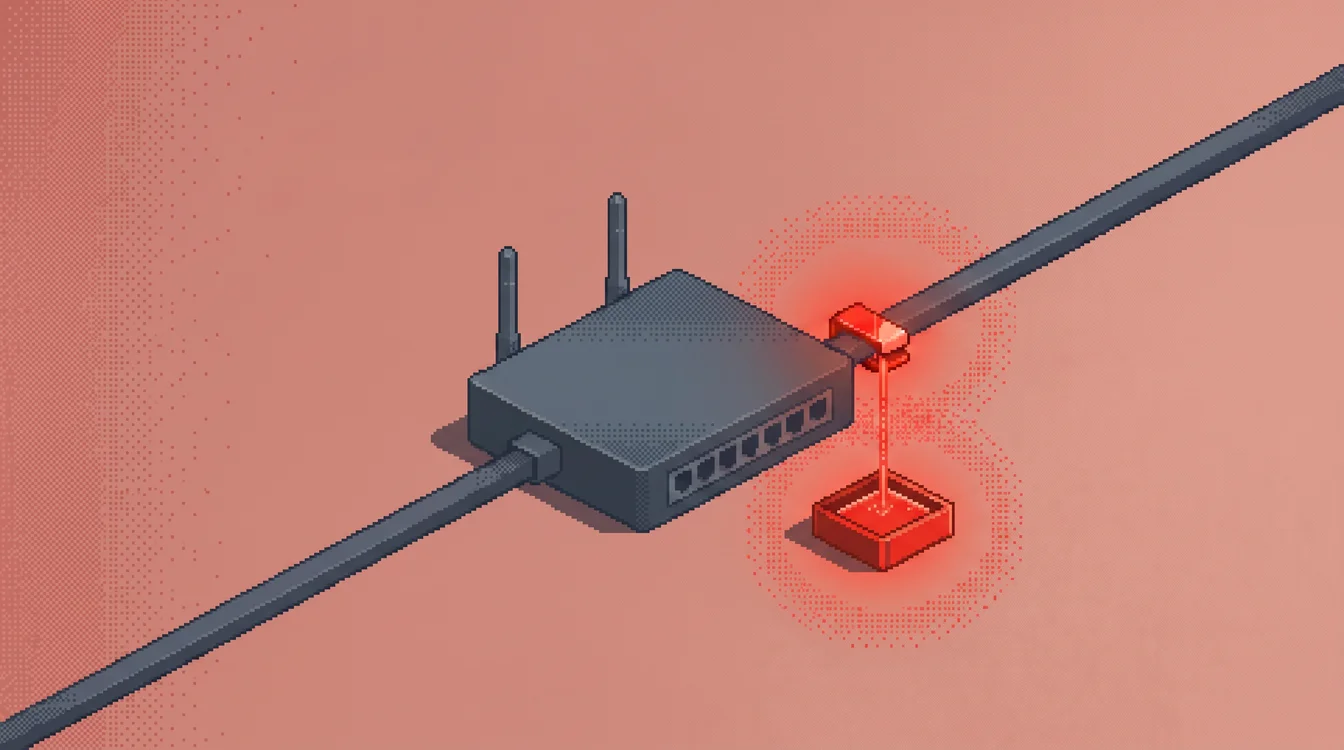
Packet sniffing (MITRE's Network Sniffing) means capturing traffic as it crosses an interface, using promiscuous mode, a SPAN port, a cloud traffic mirror or a switch's built-in capture. Adversaries do it to read credentials sent over unencrypted protocols and to map hosts and services. It is passive, so the evidence lives in tools, mirror configuration and interface state.

Practice detecting Network Sniffing (Packet Sniffing) on realistic XDR, SIEM alerts in SOCSimulator Operations.

XDRSIEM

What is Network Sniffing (Packet Sniffing)?

“Network Sniffing (Packet Sniffing) is documented as technique T1040 in MITRE ATT&CK® v19.1 under the Credential Access tactic. Detection requires visibility into XDR, SIEM telemetry.”

A network card normally drops frames that are not addressed to it. Promiscuous mode tells the card to pass everything it hears up to the operating system, where a capture library such as libpcap, Npcap or a raw socket hands it to a program. Wireshark, tshark, tcpdump and WinDump are the familiar front ends. Windows also ships its own: netsh trace start capture=yes writes an ETL trace, and pktmon captures packets without installing anything.

On a switched network a host only sees its own unicast traffic plus broadcast and multicast, so promiscuous mode on a workstation yields little. An attacker who wants more needs a vantage point: a SPAN or mirror port, an ARP spoofing position, a physical tap, or a compromised device that already carries other people's traffic. That is why MITRE's procedure list is full of network gear. Velvet Ant ran a custom tool called VELVETTAP on F5 BIG-IP devices, UNC3886 used a sniffer named LOOKOVER against TACACS+ authentication packets, and ArcaneDoor included packet capture on perimeter devices. On routers and switches the built-in capture command, such as monitor capture on Cisco gear, does the job.

In the cloud there is no cable to tap, but there is a feature that does the same thing. AWS Traffic Mirroring, Azure virtual network TAP and Google Packet Mirroring copy a VM's traffic to a target the adversary chooses. MITRE points out that much of that traffic is cleartext, because TLS often ends at the load balancer. The captured data can then leave through an exfiltration technique such as Transfer Data to Cloud Account.

Where Network Sniffing (Packet Sniffing) fits in an attack

ATT&CK files network sniffing under two tactics, Credential Access and Discovery, and that matches how it is used. The first goal is credentials. MITRE lists APT33 and Kimsuky using SniffPass, Sandworm Team using intercepter-NG, and the BlackEnergy sniffer module in the 2015 Ukraine power attack, where it collected credentials passing between the corporate LAN and the control systems. The second goal is a map: running services, version numbers, IP addresses, hostnames and VLAN IDs that make later lateral movement easier.

It also feeds neighboring techniques. Responder, used by APT28, poisons name resolution so hosts send hashes to the attacker, and MITRE places that and SMB relay next to sniffing because they put credentials on the wire where a capture can read them. Sniffing also supports Adversary-in-the-Middle work, where the attacker watches the traffic they have redirected.

Where it happens tells you how deep the intruder is. A capture tool on a user laptop points to an opportunist or an insider. A sniffer on a VPN gateway, load balancer or router means the attacker already has administrative control of infrastructure, and Salt Typhoon, which MITRE credits with capturing packet data between network interfaces, is the reference case. DarkVishnya went another way. Kaspersky documented it attacking banks through devices connected directly to the local network.

Detection Strategies

The following detection strategies help SOC analysts identify Network Sniffing (Packet Sniffing) activity. These methods apply across XDR, SIEM environments and can be implemented as detection rules, correlation queries, or behavioral analytics in your security platform.

SPL
index=aws sourcetype=aws:cloudtrail eventSource=ec2.amazonaws.com (eventName=CreateTrafficMirrorSession OR eventName=CreateTrafficMirrorTarget OR eventName=CreateTrafficMirrorFilter)
| stats count min(_time) as firstTime max(_time) as lastTime values(eventName) as events values(requestParameters.CreateTrafficMirrorSessionRequest.NetworkInterfaceId) as sourceNics values(requestParameters.CreateTrafficMirrorSessionRequest.TrafficMirrorTargetId) as mirrorTargets by userIdentity.arn sourceIPAddress awsRegion

Lists every identity that created a traffic mirror session, target or filter. Adjust the index to your CloudTrail data, then add an allowlist of the ARNs your network monitoring team uses. What remains is a short list worth a ticket check, and the mirrorTargets column tells you where the copy went.

KQL
AzureActivity
| where TimeGenerated > ago(1d)
| where OperationNameValue has_any ("VIRTUALNETWORKTAPS", "TAPCONFIGURATIONS")
| where OperationNameValue endswith "/WRITE"
| where ActivityStatusValue in~ ("Success", "Succeeded")
| project TimeGenerated, Caller, CallerIpAddress, OperationNameValue, ResourceGroup, _ResourceId

The Azure equivalent. Microsoft's virtual network TAP page lists the virtualNetworkTaps and TAP configuration actions that a caller needs, so a successful write to either one is somebody copying VM traffic. Match on has_any because the exact operation string differs between the TAP resource and its network interface configuration.

SPL
index=linux "entered promiscuous mode" NOT (veth* OR docker0 OR virbr* OR cni0)
| stats count min(_time) as firstTime max(_time) as lastTime values(_raw) as messages by host

A host-level tripwire for Linux. The kernel writes an entered promiscuous mode line when a capture tool turns the mode on, and the exclusions drop the container and virtualization bridges that do it all day. Expect to extend the exclusion list for your own bridges.

Simulated example generated by SOCSimulator Research
{
  "eventTime": "2026-10-03T02:14:37Z",
  "eventSource": "ec2.amazonaws.com",
  "eventName": "CreateTrafficMirrorSession",
  "awsRegion": "us-east-1",
  "sourceIPAddress": "198.51.100.23",
  "userAgent": "aws-cli/2.17.18",
  "userIdentity": {
    "type": "IAMUser",
    "arn": "arn:aws:iam::111122223333:user/build-runner",
    "accountId": "111122223333"
  },
  "requestParameters": {
    "CreateTrafficMirrorSessionRequest": {
      "NetworkInterfaceId": "eni-0a1b2c3d4e5f60718",
      "SessionNumber": 1,
      "TrafficMirrorFilterId": "tmf-01a2b3c4d5e6f7a8b",
      "TrafficMirrorTargetId": "tmt-0f9e8d7c6b5a43210"
    }
  }
}

Tuning and false positives

Sniffing tools are everyday tools. Network and application teams run Wireshark and tcpdump to chase latency and TLS problems, and captures on servers usually start with a support call. Installing Nmap or Wireshark brings the Npcap driver along, which is why a wpcap.dll load on its own is weak evidence. IDS and NDR sensors, including Zeek and Suricata hosts, run in promiscuous mode on purpose, and Docker, KVM and Linux bridges flip interfaces to promiscuous every time a container or VM starts. Cloud security teams also create traffic mirror sessions legitimately, often from infrastructure as code.

Build the allowlist around who and where, not what. List the accounts and roles that manage monitoring, the sensor hosts that should be promiscuous and the engineers allowed to capture on production servers, then alert on everything outside that list. A capture tool on a domain controller, a database server or a jump host deserves a ticket check even for approved staff, because those are the machines whose traffic is worth reading.

Example Alerts

These realistic alert examples show what Network Sniffing (Packet Sniffing) looks like in your security tools. Use them to tune detection rules and train analysts to recognize true positives versus false positives in live environments.

HighSIEM

Traffic Mirror Session Created by a Build Identity

CloudTrail shows CreateTrafficMirrorSession from IAM user build-runner at 02:14 UTC, pointing at a monitoring instance in a VPC that has never received mirrored traffic. The identity has no history of network monitoring calls.

MediumXDR

Packet Capture Started on an Application Server

netsh trace start capture=yes ran on APP-SQL-02 under svc-reporting, writing an ETL file to the Temp folder, and was stopped 17 minutes later. No change ticket references the host.

LowSIEM

Interface Entered Promiscuous Mode Outside Container Bridges

A production web host logged an interface entering promiscuous mode. None of the interfaces involved belong to Docker, KVM or the container network.

Responding to Network Sniffing (Packet Sniffing)

Because capturing is passive, response is mostly about what the attacker could read. Pull the capture file if the tool wrote one, such as the netsh trace output or a pcap in a temp folder, and open it: it shows exactly what was collected. For a cloud mirror, record the session, target and filter IDs before deleting anything, export the CloudTrail or activity log events, and examine the target. Which instance or load balancer received the copy, who owns it, and where did it send the data next?

Then scope the exposure by protocol. Rotate any credential that crossed the monitored segment in cleartext: Telnet and FTP logins, HTTP basic authentication, SNMP community strings, LDAP simple binds and, if the sniffer sat on a device that carries TACACS+, the device administration credentials. Work out how the actor got in, whether through an IAM policy that grants ec2:CreateTrafficMirrorSession, a network device login or local admin on a host, because that is the compromise you are actually investigating.

On network gear, pull the running configuration and AAA logs, diff against the last known good and check for logging changes made around the same time. If a sniffer implant turns up on a load balancer or VPN appliance, reimage from vendor media instead of cleaning in place, and assume anything that authenticated through that device while the implant ran is exposed.
Frequently Asked Questions

How do SOC analysts detect Network Sniffing (Packet Sniffing)?
Detection centers on XDR, SIEM telemetry for the credential access phase of the attack. Watch for capture tools and the libraries behind them. On endpoints, alert on Wireshark, tshark, dumpcap, WinDump, tcpdump and netsh trace start capture=yes launching, and on wpcap.dll or packet.dll loading into a process that is not on your allowlist. MITRE's Windows analytic (AN0875) lists three signals: monitoring tools starting, driver loads that point to promiscuous mode, and non-admin users gaining access to the network card. In cloud audit logs, alert when a traffic mirror session, target or filter is created by an identity that does not normally run network monitoring. In AWS those are the CreateTrafficMirrorSession, CreateTrafficMirrorTarget and CreateTrafficMirrorFilter calls in CloudTrail. In Azure they are writes to virtual network TAP and TAP configuration resources in the activity log. Note where the target sits: a mirror that points at an instance in an unfamiliar VPC or account is the finding.
What does a Network Sniffing (Packet Sniffing) alert look like?
A representative SIEM detection is "Traffic Mirror Session Created by a Build Identity" (high severity): CloudTrail shows CreateTrafficMirrorSession from IAM user build-runner at 02:14 UTC, pointing at a monitoring instance in a VPC that has never received mirrored traffic. The identity has no history of network monitoring calls.
Which tools detect Network Sniffing (Packet Sniffing), and how can I practice?
Network Sniffing (Packet Sniffing) (T1040) is best surfaced with XDR, SIEM telemetry, which exposes the credential access signals described above. SOCSimulator covers it in a Pro simulation on those consoles; the surrounding detection skills are free to practice in SOCSimulator Operations.
Tool

XDR Training Console: SOCSimulator

The XDR console in SOCSimulator replicates the investigation workflow of platforms like CrowdStrike Falcon, Microsoft De…

Read more
Tool

SIEM Training Console: SOCSimulator

The SIEM console in SOCSimulator replicates the workflow of enterprise platforms like Splunk Enterprise Security, Micros…

Read more
Glossary

What is Brute Force Attack? SOC Glossary

A brute force attack systematically tries large numbers of username and password combinations, or decryption keys, until…

Read more
Glossary

What is MFA? SOC Glossary

Multi-Factor Authentication (MFA) requires a user to prove their identity with two or more independent factors, somethin…

Read more
Glossary

What is Lateral Movement? SOC Glossary

Lateral movement is the attack phase where adversaries expand access from an initial foothold to additional systems, usi…

Read more
Glossary

What is SIEM? SOC Glossary

Security Information and Event Management (SIEM) is a platform that aggregates, normalizes, and correlates log data from…

Read more
Career Path

SOC Analyst (Tier 1) Career Guide: Salary & Skills

Tier 1 SOC Analysts are the front line. You monitor alert queues, triage incoming detections, classify them as true or f…

Read more
Career Path

Incident Responder Career Guide: Salary & Skills

Incident Responders lead the technical response when confirmed breaches happen. You coordinate containment, run forensic…

Read more
Comparison

SOCSimulator Vs. Letsdefend: Platform Comparison

SOCSimulator wins on operational realism. You get multi-tool shift simulation with SLA pressure, noise injection, and al…

Read more
Glossary

SOC Glossary: Security Operations Terminology

Complete glossary of Security Operations Center terminology for aspiring SOC analysts.

Read more
Feature

Shift Mode: Real-Time SOC Simulation

Practice alert triage under realistic time pressure with SLA timers and noise injection.

Read more
Feature

Operations: Guided Training Operations

Structured CTF-style investigation operations covering real-world attack scenarios.

Read more